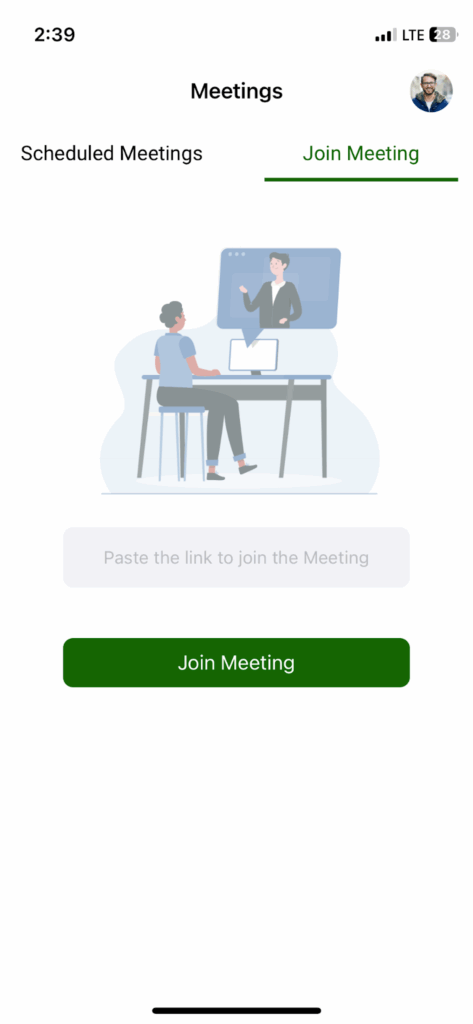
The Infince Meetings App allows you to join meetings and view your scheduled meetings for today and tomorrow. It provides a simple and efficient way to communicate and collaborate with your colleagues.
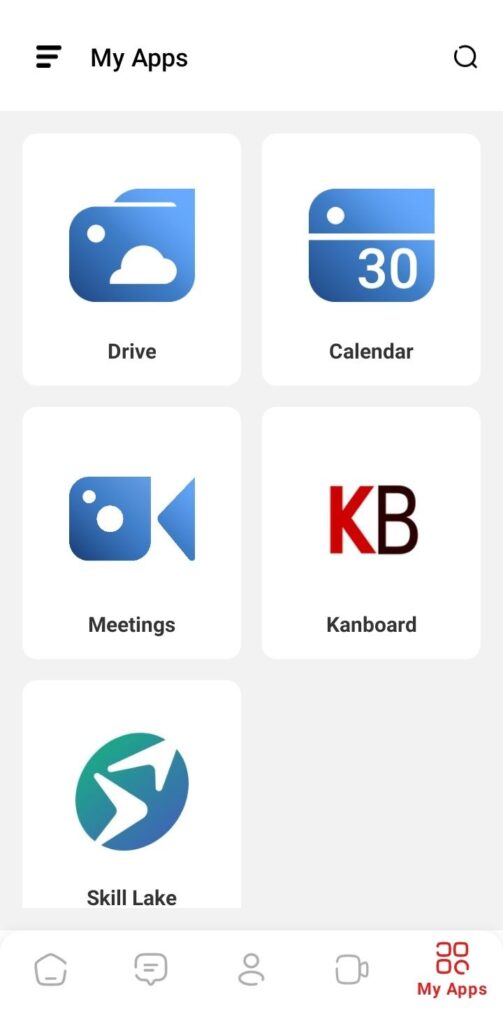
To install the Infince Mobile App on your device, login to the Infince workplace mobile app. Tap on My Apps icon and click on the Meetings icon to install/access the Meetings App.
Note: The Meetings icon will be displayed only if you have purchased the Calendar App.

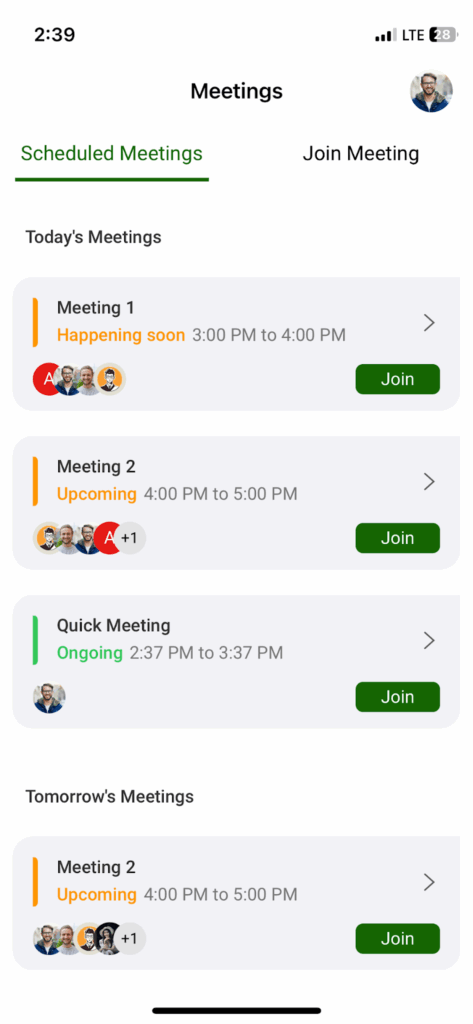
You can view the Scheduled Meetings and Join Meeting tabs.
Scheduled Meetings
This tab displays the meetings scheduled for today and tomorrow. Click on the Join button to join the meeting.
Join Meeting
Here you can paste the meeting URL and click the Join Meeting button to join the meeting.